Ransomware Awareness for Employees: How to Prevent the Attack Before It Starts

Team Innvikta
Published: 18 Jul 2026 • 05 Mins read
Ransomware Awareness for Employees: How to Prevent the Attack Before It Starts
Ransomware is malicious software that blocks access to systems or encrypts files, preventing organizations from using their data until attackers' demands are met. While technical security controls are essential, many ransomware attacks begin with human actions such as clicking a phishing email, downloading a malicious attachment, or using compromised credentials. Security awareness training helps employees recognize these threats before they lead to business disruption.
Key Takeaways
-
Ransomware remains one of the most disruptive cyber threats affecting organizations of all sizes.
-
Most ransomware attacks begin with phishing, stolen credentials, or software vulnerabilities.
-
Employees play a critical role in preventing ransomware infections.
-
Security awareness training helps employees recognize suspicious emails, links, attachments, and social engineering attempts.
-
Organizations should combine employee education with technical security controls, backups, and incident response planning.
-
Continuous phishing simulations and ransomware awareness campaigns improve organizational resilience.
What Is Ransomware?
Ransomware is a type of malware designed to deny access to files, systems, or networks by encrypting data or locking devices. Once access is blocked, attackers demand payment in exchange for restoring access or preventing the release of stolen information.
Modern ransomware attacks rarely focus only on encryption. Many attacker groups now use double extortion, where they first steal sensitive information and then encrypt systems. Victims are threatened with public disclosure of confidential data if demands are not met.
The impact of ransomware extends beyond IT systems. It can disrupt operations, delay customer services, interrupt manufacturing, affect supply chains, and damage organizational reputation.
Why Ransomware Continues to Be a Major Threat?
Ransomware has evolved from isolated attacks into highly organized cybercrime operations.
Several factors contribute to its continued success:
Attackers Target People, Not Just Technology
Cybercriminals know that convincing an employee to click a malicious link or open an infected attachment is often easier than bypassing multiple layers of technical security.
AI Makes Attacks More Convincing
Artificial intelligence enables attackers to create more realistic phishing emails, impersonate trusted contacts, and generate persuasive messages that are difficult to distinguish from legitimate communication.
Remote and Hybrid Work Increase Exposure
Employees working from multiple locations often connect through home networks, personal devices, and cloud applications, expanding the attack surface available to cybercriminals.
Every Industry Is a Target
Healthcare, education, finance, manufacturing, retail, government, and technology organizations have all experienced ransomware incidents.
Attackers increasingly focus on organizations that rely on continuous operations, making downtime especially costly.
How Ransomware Attacks Begin ?
Contrary to popular belief, ransomware rarely appears without warning. Most attacks follow a sequence of events that includes human interaction.
Phishing Emails
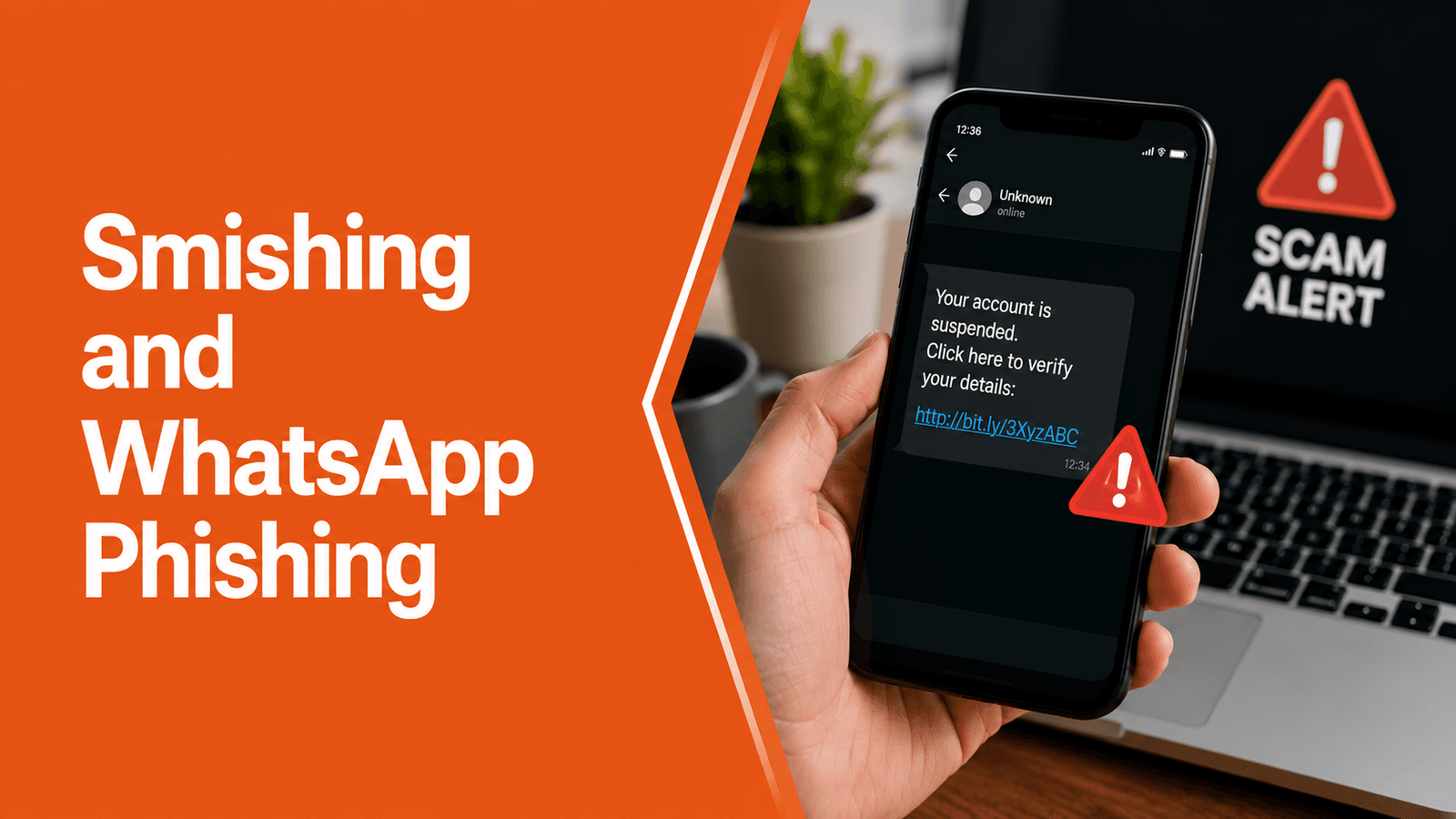
One of the most common entry points is a phishing email containing:
-
Malicious attachments
-
Fake invoices
-
Password reset requests
-
Delivery notifications
-
Tax documents
-
Cloud storage invitations
Opening the attachment or clicking the link may download malware or redirect users to credential harvesting websites.
Stolen Credentials
Weak or reused passwords allow attackers to access business systems without needing malware.
Compromised accounts can be used to move laterally across the network before ransomware is deployed.
Malicious Downloads
Employees sometimes install unauthorized software, browser extensions, or fake updates that introduce ransomware into the organization.
Exploiting Vulnerabilities
Outdated operating systems, unpatched software, or exposed remote access services may allow attackers to gain unauthorized access.
Although technical teams manage patching, employees should install approved updates promptly and avoid delaying security patches.
Social Engineering
Attackers frequently impersonate:
-
IT support
-
Executives
-
Vendors
-
Banks
-
Government agencies
-
Customers
The objective is to persuade employees to reveal credentials, approve access, or execute malicious files.
Warning Signs Employees Should Never Ignore
Employees are often the first to notice unusual activity.
Potential warning signs include:
-
Unexpected password reset requests.
-
Emails creating unnecessary urgency.
-
Attachments you were not expecting.
-
Links directing to unfamiliar websites.
-
Login pages with unusual URLs.
-
Requests to disable antivirus software.
-
Computers suddenly slowing down without explanation.
-
Unknown software appearing on your device.
-
Files changing names or extensions unexpectedly.
-
Colleagues reporting suspicious emails from your account.
Reporting these indicators immediately allows security teams to investigate before a larger incident develops.
Best Practices to Prevent Ransomware
Preventing ransomware requires a combination of employee awareness and technical security measures.
See Innvikta InSAT in Action
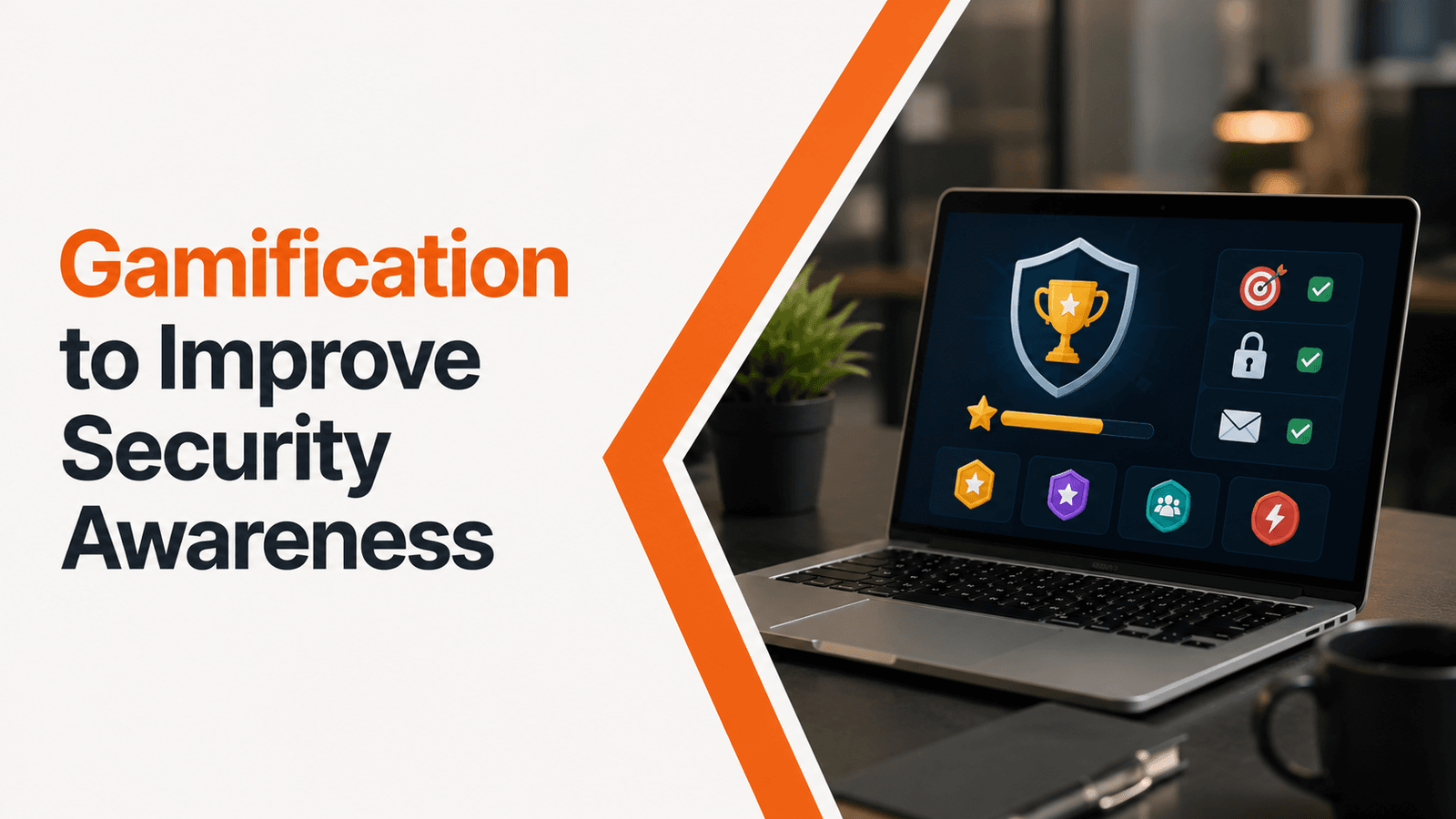
Explore how our interactive games, realistic phishing simulations, and gamified training modules dramatically reduce organizational human cyber risk.
Think Before You Click
Never open unexpected attachments or click suspicious links without verifying the sender.
If something seems unusual—even if it appears to come from a colleague—confirm the request using another communication channel.
Use Strong Authentication
Enable Multi-Factor Authentication (MFA) wherever available.
Avoid password reuse and use a password manager to generate unique credentials.
Keep Devices Updated
Install operating system and application updates promptly to reduce exposure to known vulnerabilities.
Avoid Unauthorized Software
Only download software approved by your organization's IT department.
Free utilities, pirated software, and unofficial applications frequently contain malware.
Report Suspicious Activity Immediately
Employees should report:
-
Suspicious emails
-
Unexpected system behavior
-
Lost devices
-
Unauthorized software
-
Unusual login requests
Early reporting often prevents attackers from expanding their access.
Participate in Security Awareness Training
Continuous learning helps employees recognize evolving ransomware techniques, phishing campaigns, and social engineering attacks before they succeed.
What Should Employees Do During a Suspected Ransomware Attack?
If you believe your device may have been affected:
Disconnect from the Network
If instructed by your organization's security policy, disconnect the affected device from the network to help limit further spread.
Do Not Attempt Self-Recovery
Avoid installing unknown tools or deleting files. Preserve the system for your IT or security team to investigate.
Report Immediately
Notify your IT help desk or security team as quickly as possible. Early reporting can reduce operational impact.
Do Not Engage with Attackers
Employees should never communicate with attackers or respond to ransom demands. Follow your organization's incident response procedures.
Document What Happened
Provide security teams with relevant details, including suspicious emails, links, attachments, or unusual system behavior that occurred before the incident.
Why Security Awareness Is the First Line of Defense ?
Many organizations invest in endpoint security, email filtering, backups, and threat detection. These technologies are essential, but they cannot eliminate every risk.
Employees make hundreds of security-related decisions each day.
Security awareness training helps employees:
-
Identify phishing attempts.
-
Verify unusual requests.
-
Recognize ransomware warning signs.
-
Handle attachments safely.
-
Protect login credentials.
-
Report incidents quickly.
Rather than acting as the weakest link, informed employees become an active layer of defense against ransomware.
How Innvikta Helps Organizations Strengthen Ransomware Resilience ?
Preventing ransomware requires more than awareness presentations. Organizations need practical learning experiences that prepare employees for real-world attacks.
Innvikta's Security Awareness Platform helps organizations reduce ransomware risks through:
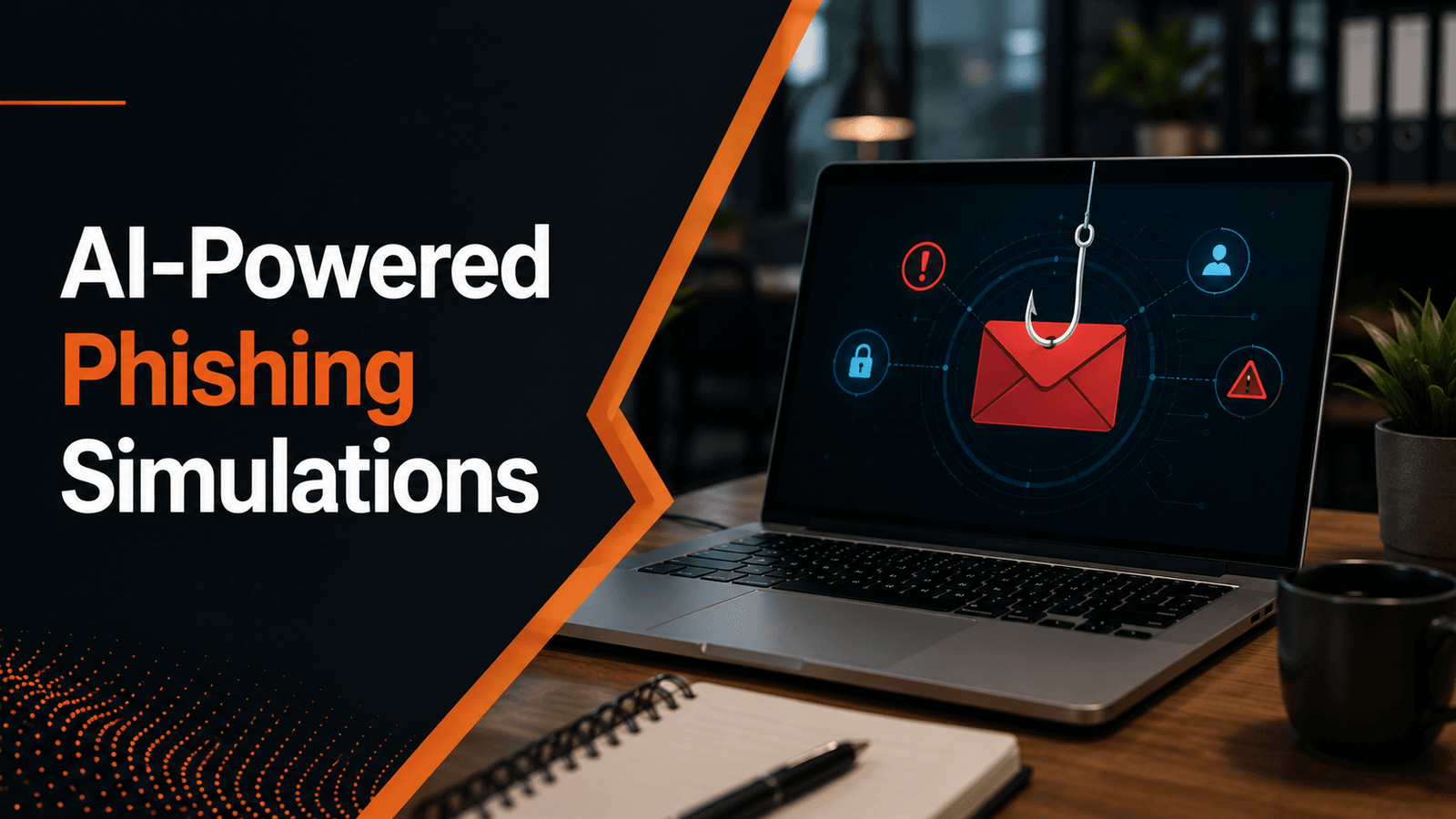
AI-Powered Phishing Simulations
Employees experience realistic phishing campaigns based on current ransomware delivery techniques.
Interactive Security Awareness Training
Training modules cover:
-
Ransomware awareness
-
Phishing prevention
-
Social engineering
-
Password security
-
Remote work security
-
Mobile security
-
Data protection
Human Risk Intelligence
Behavioral analytics identify employees most vulnerable to phishing and ransomware-related attacks, allowing organizations to deliver targeted interventions.
Continuous Microlearning
Short, engaging awareness content reinforces secure behaviors throughout the year rather than relying on annual compliance sessions.
Executive Reporting
Security leaders gain visibility into phishing resilience, reporting behavior, awareness engagement, and organizational human risk trends.
With Innvikta, organizations can transform employees into an effective first line of defense against ransomware.
Conclusion
Ransomware continues to evolve, but one fact remains consistent: many attacks begin with human interaction.
Employees who understand how ransomware spreads, recognize warning signs, and follow secure practices significantly reduce organizational risk.
Building ransomware resilience requires more than technology. It requires continuous awareness, realistic phishing simulations, clear reporting procedures, and a security-first culture.
By investing in ongoing employee education and Human Risk Management, organizations can reduce the likelihood of successful ransomware attacks while improving overall cybersecurity resilience.
Frequently Asked Questions
Ransomware is malware that encrypts files or blocks access to systems, disrupting business operations. Many modern attacks also involve stealing sensitive information before encryption.
Common entry points include phishing emails, malicious attachments, compromised credentials, vulnerable software, and social engineering.
Yes. Employees trained to recognize phishing attempts, suspicious links, and social engineering tactics are less likely to trigger ransomware infections.
No. Antivirus and endpoint protection are important, but they should be combined with employee awareness training, backups, patch management, access controls, and incident response planning.
Innvikta provides AI-powered phishing simulations, security awareness training, Human Risk Intelligence, behavioral analytics, and continuous learning to help organizations reduce human-related ransomware risks.